
Who it’s for · Theatre
Lighting for theatre
Cues with GO, like on a theatre console, and a simple screen for whoever runs it.
What you need
- The theatre’s dimmers, PARs or profiles
- A USB DMX interface or the venue’s node
- The computer and, if you like, a touch screen
How you do it
Cuelists with tracking
GO and Back, fade and delay times per cue, and the tracking sheet to see what each cue brings.
Blind mode
Prepare changes in the programmer without them showing on stage.
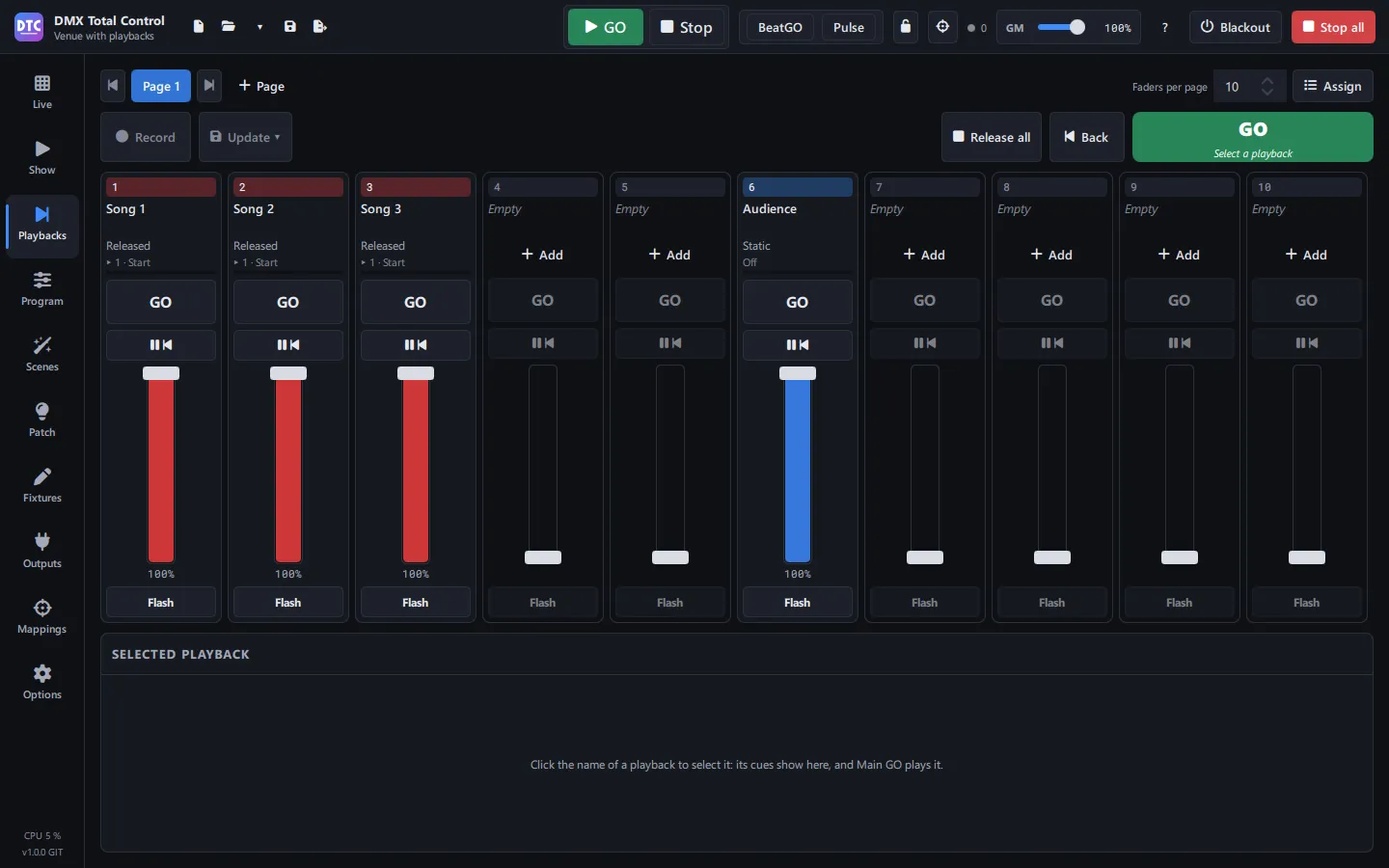
Playbacks like on a console
A page of faders with GO, Pause/Back and Flash, also from an APC40 mkII.
For the operator
A SHOW with big buttons, full screen and a password lock, so only what is needed gets touched.
To get started
Open the example show “Sala con playbacks” from Open ▾ › Examples:
One cuelist per song on the first playback page and a SHOW with those playbacks.